
Feature
Understand every call after it ends
Every call generates a full transcript with state transitions, per-turn latency breakdown, and extracted variables. The self-improving analyzer reviews calls and suggests flow improvements.
01 · Transcript
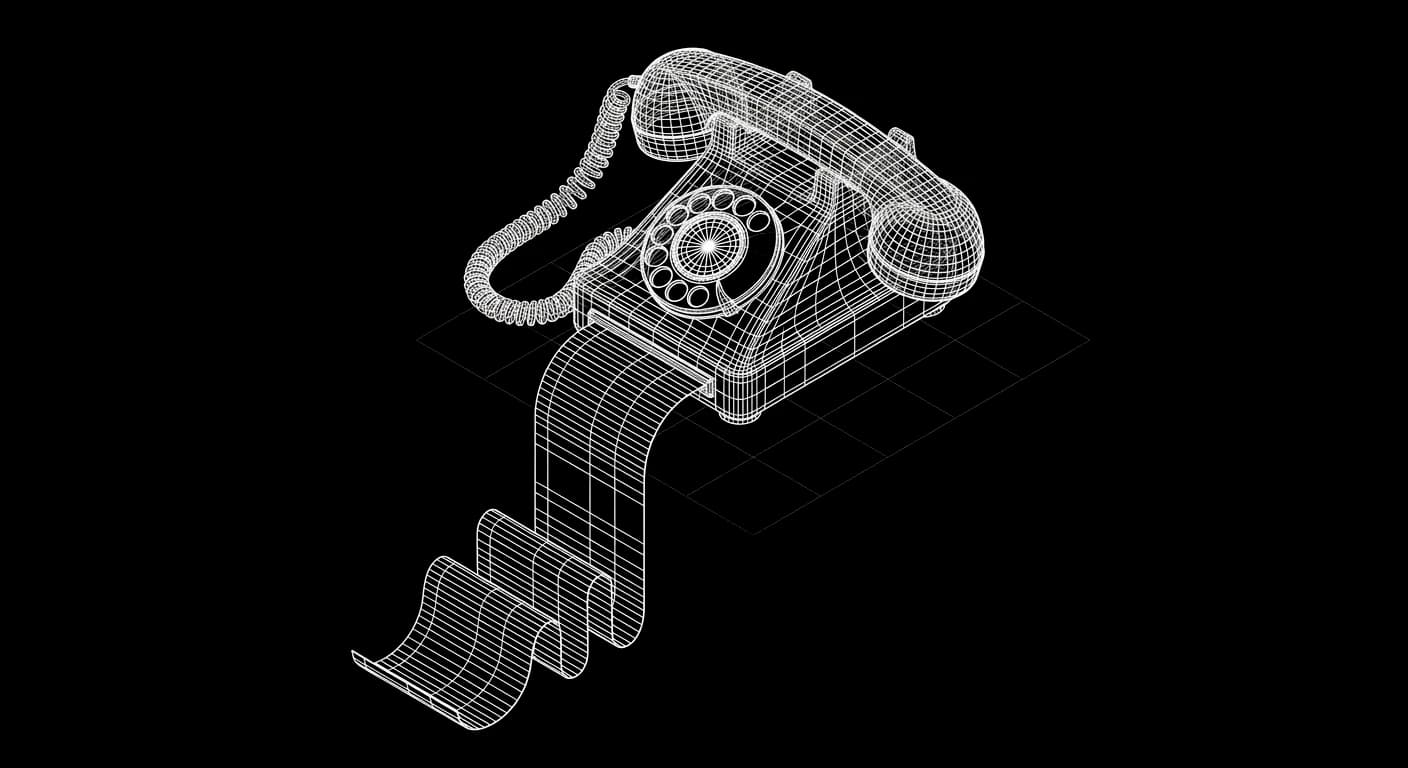
Full Transcripts
Every conversation is recorded with a complete transcript. See exactly what the agent and caller said, turn by turn.
02 · Latency
Per-Turn Latency
Each turn is measured: STT processing time, LLM time-to-first-token, and TTS delivery. See exactly where time is spent.

03 · Analyzer
Self-Improving Analyzer
The analyzer reviews completed calls, identifies where the flow broke down, and suggests specific patches. Review and apply with one click.
Setup
How it works
Calls are recorded automatically
Every voice and text session saves a full transcript with metadata to your Supabase database in Sydney.
Review in the transcript viewer
Browse calls by date, status, and outcome. Click any session to see the full conversation with state transitions.
Run the analyzer
The analyzer compares what happened to what should have happened. It generates patches: specific changes to nodes, transitions, or guidelines.
Apply and redeploy
Review each suggestion. Apply the ones you agree with. Publish the updated flow.
FAQ
Common questions
All transcripts are stored in your Supabase database in Sydney (AWS ap-southeast-2). They never leave Australian infrastructure.
Yes. Transcripts are accessible via the API and can be exported for external analysis.
Try Post Call Analysis in under an hour
$20 free credits. No card required. Test it on a real Australian number.